
Google Tag Manager Tools
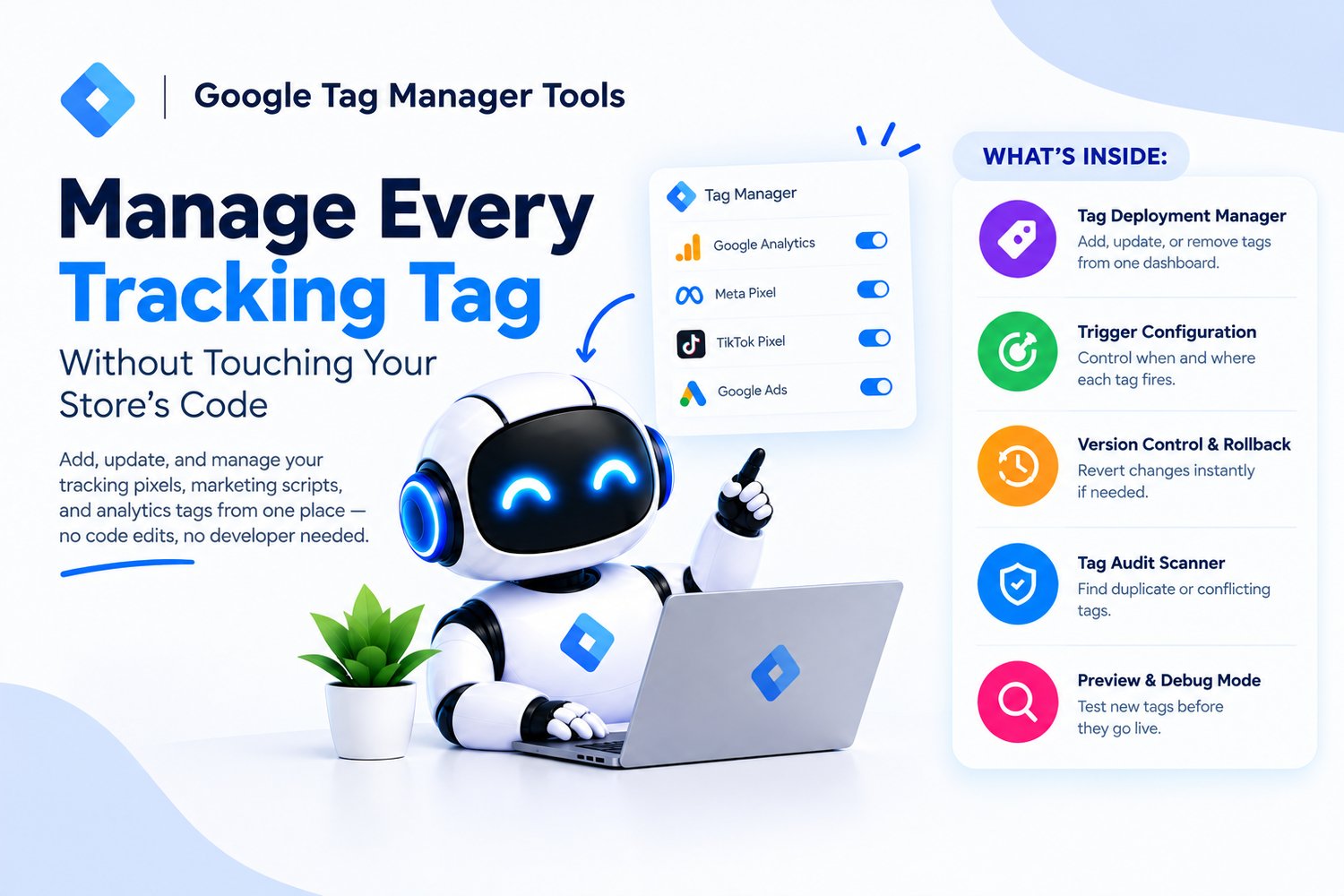
Manage Every Tracking Tag Without Touching Your Store's Cod
Every new tracking pixel, marketing script, or analytics tag shouldn't mean editing your theme and hoping nothing breaks. Google Tag Manager Tools gives you one central place to install, manage, and update every tag on your store no code edits, no developer needed for routine changes.
What's inside:
- Tag deployment manager: add, update, or remove tracking and marketing scripts from one dashboard instead of your theme files
- Trigger configuration: control exactly when and where each tag fires (specific pages, button clicks, form submissions, purchases)
- Version control & rollback: every change is tracked, so a bad tag push can be reverted instantly instead of debugging live
- Tag audit scanner: detects duplicate, conflicting, or firing-incorrectly tags that silently corrupt your data
- Preview & debug mode: test new tags before they go live, so nothing fires incorrectly on real customers
Why it works:
✔ Simplifies tracking management: one place to control everything instead of scattered code edits
✔ Improves data accuracy: fewer duplicate or misfiring tags means numbers you can actually trust
✔ Saves development time: marketing can launch or adjust tags without waiting on a developer
✔ Reduces risk: preview mode and rollback mean tag changes stop being a gamble
Whether you're currently juggling tracking codes pasted directly into theme files or just tired of every tag change requiring a developer, this toolkit gives you full control over your tracking setup without ever touching store code again.